Introduction
In the last few years, the way we work has undergone a massive transformation. What was once a niche arrangement for a small group of people has quickly become a norm for millions. The global shift towards remote work—accelerated by the COVID-19 pandemic—has changed the very landscape of employment. For many, working from home is now more than just a temporary arrangement; it’s a long-term or even permanent way of life.
This shift presents a unique set of opportunities and challenges. On the one hand, the flexibility to work from anywhere offers newfound freedom, eliminates the daily commute, and opens up more time for family and personal pursuits. On the other hand, remote work can present obstacles that were previously taken for granted—such as distractions, isolation, and a blurring of the boundaries between work and home life.
For those adjusting to the new normal, it’s essential to develop effective strategies to navigate this work-from-home environment. The key to thriving in this setup lies in developing a routine that maximizes productivity, preserves work-life balance, and keeps your professional goals on track.
In this article, we’ll explore a range of work-from-home strategies designed to help you succeed. Whether you’re a seasoned remote worker or new to the concept, you’ll find actionable tips and techniques to optimize your workspace, manage your time efficiently, and stay motivated throughout your workday. From creating the perfect home office to mastering time management, this guide will equip you with the tools to make the most of your remote work experience.
Let’s dive into the world of work-from-home strategies—where productivity meets comfort, and flexibility leads to success.
Section 1: Creating the Ideal Home Office
When it comes to working from home, your environment plays a huge role in your productivity and overall well-being. A well-designed home office isn’t just about having a desk and a chair—it’s about creating a space that encourages focus, minimizes distractions, and enhances comfort. In this section, we’ll break down the key elements of setting up your ideal home office.
1.1 Importance of a Dedicated Workspace
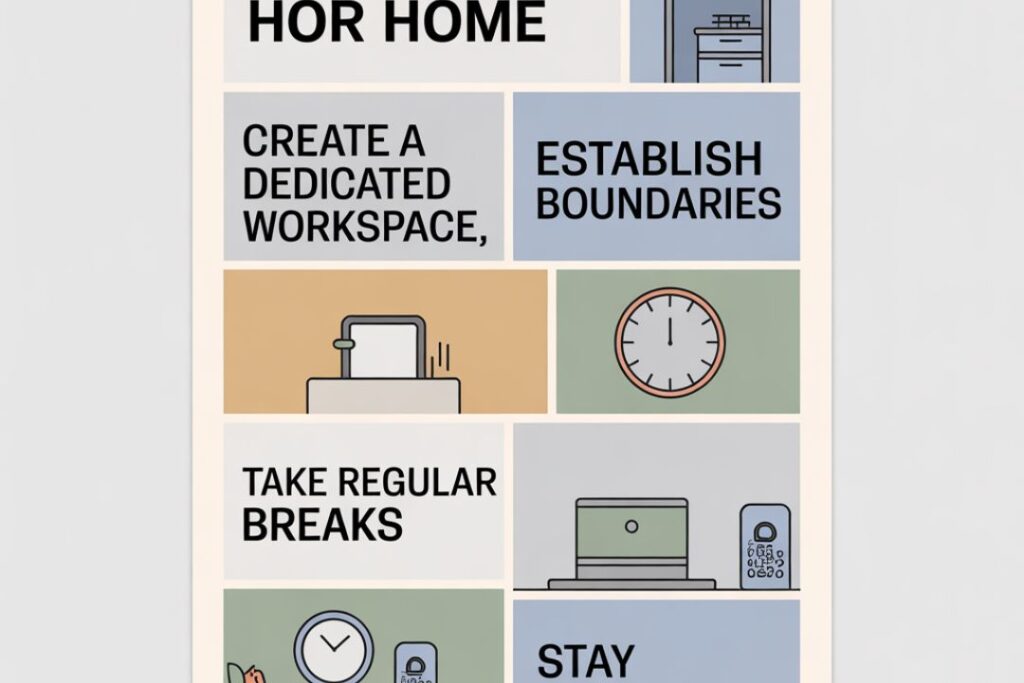
One of the biggest mistakes remote workers make is trying to work from just anywhere: the couch, the bed, or even the kitchen table. While it may seem convenient at first, working in these spots can quickly lead to blurred lines between work and relaxation. Without a dedicated workspace, it’s harder to mentally “switch on” for work and “switch off” when the day is done.
Having a designated area for work helps to:
- Create a clear boundary between work and personal life, which is crucial for maintaining a healthy work-life balance.
- Boost productivity by reducing distractions and promoting a more focused environment.
- Signal to your brain that it’s time to work, helping to build a routine and increase mental discipline.
When choosing your workspace, try to find an area that is separate from your relaxation zones, such as a guest bedroom, a corner of your living room, or even a nook near a window for natural light. The key is that it’s yours, and it’s dedicated solely to work.
1.2 Choosing the Right Location in Your Home
The physical environment plays a big role in how effectively you work. When selecting the location for your home office, here are a few factors to consider:
- Lighting: Good lighting can improve your mood and energy levels. Ideally, position your desk near natural light to take advantage of daylight hours. If that’s not possible, consider investing in good quality task lighting, like adjustable lamps with warm light to reduce eye strain.
- Ergonomics: Comfort is key. Spend a lot of time at your desk? Make sure you invest in an ergonomic chair that supports your posture. Your desk should also be the right height to avoid strain on your back, neck, and wrists.
- Noise Levels: Consider the amount of noise in the area. If you’re working in a shared space or near loud areas (like the kitchen or street), noise-cancelling headphones can be a lifesaver. Alternatively, you can add soft furnishings, like curtains or rugs, to help absorb sound and create a quieter, more focused atmosphere.
- Privacy: If you’re in a household with others, think about where you can set up your office for minimal distractions. Ideally, choose a space that can be closed off from the main living area, whether it’s a separate room or a partitioned area. This will help ensure privacy for meetings and focus time.
1.3 Necessary Equipment and Tools
Now that you’ve got the perfect spot, it’s time to equip your home office with the essentials. The right equipment will make working from home much smoother and more efficient. Here’s what you’ll need to get started:
- A Comfortable Chair: Your chair is arguably the most important piece of office furniture. If you’re spending hours in front of a screen, you’ll need a chair that supports your back, neck, and arms. Look for one that’s adjustable, has lumbar support, and allows you to sit with your feet flat on the floor.
- A Good Desk: Your desk should have enough space for your computer, documents, and any other tools you use daily. If you’re working with multiple monitors or need additional room for papers, choose a larger desk. A standing desk is also worth considering for those who want to switch between sitting and standing throughout the day.
- Technology: A fast computer, reliable internet connection, and high-quality webcam and microphone are essential for remote work, especially if you attend virtual meetings or webinars. For your computer, ensure it’s capable of running the necessary software for your job without lag.
- Storage Solutions: Having a clutter-free workspace can make a big difference in how productive you feel. Invest in storage solutions like filing cabinets, shelves, or drawer organizers to keep documents, office supplies, and personal items out of sight when not in use.
1.4 Creating a Comfortable and Motivating Atmosphere
Once you’ve got the basics covered, it’s time to think about how to make your space comfortable and inspiring. The right ambiance can keep you motivated and energized throughout the day.
- Personal Touches: While you want to avoid clutter, adding a few personal touches can make your office feel more inviting and motivating. Consider a few framed photos, plants, or artwork that inspire you. A plant can also improve air quality and add a bit of greenery to your space, helping you feel more relaxed.
- Color Scheme: Colors have a psychological impact on mood and productivity. Light blues and greens can promote calm and focus, while warmer colors like yellows and oranges can increase energy and creativity. Choose a color palette that matches the vibe you want to create in your office.
- Noise Control: If you’re sensitive to noise, you might want to look into noise-canceling headphones or speakers with calming music to help you concentrate. Some people find that white noise apps or even nature sounds can help them focus better than complete silence.
1.5 Organizing Your Home Office for Productivity
Once everything is set up, it’s time to make sure that your office is organized for maximum productivity. Organization isn’t just about tidying up—it’s about making sure everything you need is easy to find and within reach.
- Cable Management: With all the tech gear and devices in your home office, cables can easily become a tangled mess. Invest in cable organizers, clips, or even cable sleeves to keep things tidy. A wireless mouse and keyboard can also help cut down on the clutter.
- Declutter Regularly: One of the key benefits of a home office is the ability to control your space. Take advantage of this by keeping your desk clear of unnecessary items. Consider keeping only the essentials on your desk (laptop, phone, and any ongoing projects) and store the rest away.
- Filing System: Create an easy-to-use filing system for physical documents, both for your work and personal use. Digitize papers whenever possible to cut down on clutter. For digital files, consider using cloud storage and organizing them into folders for easy access.
Final Thoughts
Creating your ideal home office is an investment in both your comfort and productivity. Whether you have a dedicated room or just a small corner of your living space, designing an office that works for you is essential for your success while working remotely. Remember, your workspace should inspire focus, creativity, and motivation—while also offering a comfortable environment to stay productive and organized. Take the time to personalize it and make it your own.
Frequently Asked Questions (FAQs)
1. How can I stay productive while working from home?
Staying productive at home requires creating a clear routine and setting boundaries between work and personal life. Here are a few tips to help:
- Establish a dedicated workspace: Avoid working from the couch or bed to maintain a professional mindset.
- Set clear work hours: Stick to a schedule and make sure to take regular breaks to avoid burnout.
- Use productivity techniques: Time-blocking methods, such as the Pomodoro Technique, can help you stay focused and break up the workday into manageable chunks.
- Minimize distractions: Put away personal items, silence your phone, or use noise-canceling headphones to create a focused environment.
2. How do I manage distractions at home?
Distractions are one of the biggest challenges of working from home. To minimize them:
- Set boundaries with family or roommates to let them know when you are working and need uninterrupted time.
- Use productivity apps like Forest or Focus@Will to help you stay focused.
- Limit social media use: Try using apps like Freedom or Cold Turkey to block distracting websites during work hours.
- Establish a routine: Having set times for breaks and tasks will help keep you on track and prevent procrastination.
3. What should I include in my home office setup?
Your home office should be a space that promotes productivity and comfort. Here are the essentials:
- An ergonomic chair: Comfort is key, so invest in a chair that supports your back and posture.
- A spacious desk: Make sure your desk has enough room for your computer, papers, and office supplies.
- Proper lighting: Use natural light as much as possible, or invest in adjustable lighting to avoid eye strain.
- Essential tech: A reliable computer, high-speed internet, and a webcam for virtual meetings are must-haves.
- Storage solutions: Keep your space organized with shelves, filing cabinets, and digital file management systems.
4. How do I balance work and family life when working from home?
Balancing work and family can be tricky, but here are a few strategies:
- Set clear boundaries: Communicate with your family or housemates about your working hours and the importance of minimizing interruptions.
- Create a work schedule: Stick to a routine, including break times, so your family knows when you are available and when you’re working.
- Use time-blocking: Schedule work time and family time separately to ensure both get the attention they need.
- Be flexible: Sometimes, things won’t go as planned. Be adaptable and allow yourself some grace when things get busy.
5. How can I improve communication with my team while working remotely?
Effective communication is crucial in a remote work setting. Here are some tips to stay connected with your team:
- Use communication tools: Apps like Slack, Microsoft Teams, or Zoom help keep you in touch with colleagues in real-time.
- Set expectations: Be clear about your working hours, preferred communication methods, and response times.
- Schedule regular check-ins: Having weekly or bi-weekly meetings with your team helps everyone stay aligned and up to date on progress.
- Be proactive: Reach out when you need help or want to clarify something, rather than waiting for others to check in with you.
6. How can I avoid burnout while working from home?
Burnout is a common risk of remote work, especially if you have trouble disconnecting. To avoid it:
- Take regular breaks: Use the Pomodoro Technique or schedule specific break times to step away from your desk.
- Create a boundary between work and personal time: Avoid working late or checking emails outside of your set hours.
- Prioritize self-care: Make time for physical activity, healthy meals, and social interaction to keep your energy levels up.
- Change your environment: If possible, work from different locations within your home to keep things fresh and reduce monotony.
Conclusion
Setting up your ideal home office is more than just about creating a physical space—it’s about crafting an environment that supports your productivity, well-being, and success while working remotely. Whether you’re a freelancer, remote employee, or entrepreneur, having a dedicated, organized, and motivating workspace is essential to thriving in a home-based career.
As we’ve seen, the key elements of a great home office include choosing the right location in your home, investing in ergonomic furniture, and incorporating tools and equipment that streamline your work. Lighting, privacy, and noise management are all critical to creating a space that minimizes distractions and maximizes focus.
Furthermore, don’t underestimate the power of personalizing your workspace. Small touches like plants, artwork, or a meaningful photo can create an inspiring atmosphere that keeps you energized and motivated. A well-organized office, both physically and digitally, will also contribute to your efficiency and ensure you spend less time searching for things and more time on important tasks.
Remember, your home office doesn’t need to be a perfectly designed space from a magazine. The goal is to make it functional, comfortable, and aligned with your personal preferences and work needs. With a little effort and attention to detail, you can create an environment that encourages success, supports focus, and helps you maintain a healthy work-life balance.